
Turn any YouTube video into timestamped notes
Paste a link. Get a transcript with clickable timestamps, a chaptered summary and flashcards - in seconds.
Paste your YouTube link and summarize it
More Tools
 Send to Notion
 Translate
 Flashcards & Quiz
 AI Chat
 AI Templates
Watch less,
learn more
Paste a lecture, podcast, or tutorial link and convert the YouTube video to notes: a timestamped transcript, chaptered summaries, and flashcards you can revise from. No scrubbing, no rewatching.

- 100K+Students Using NoteBase
- 70%Less Time Spent Taking Notes
- 2M+Flashcards & Quizzes Created
- 500K+Video Hours Summarized


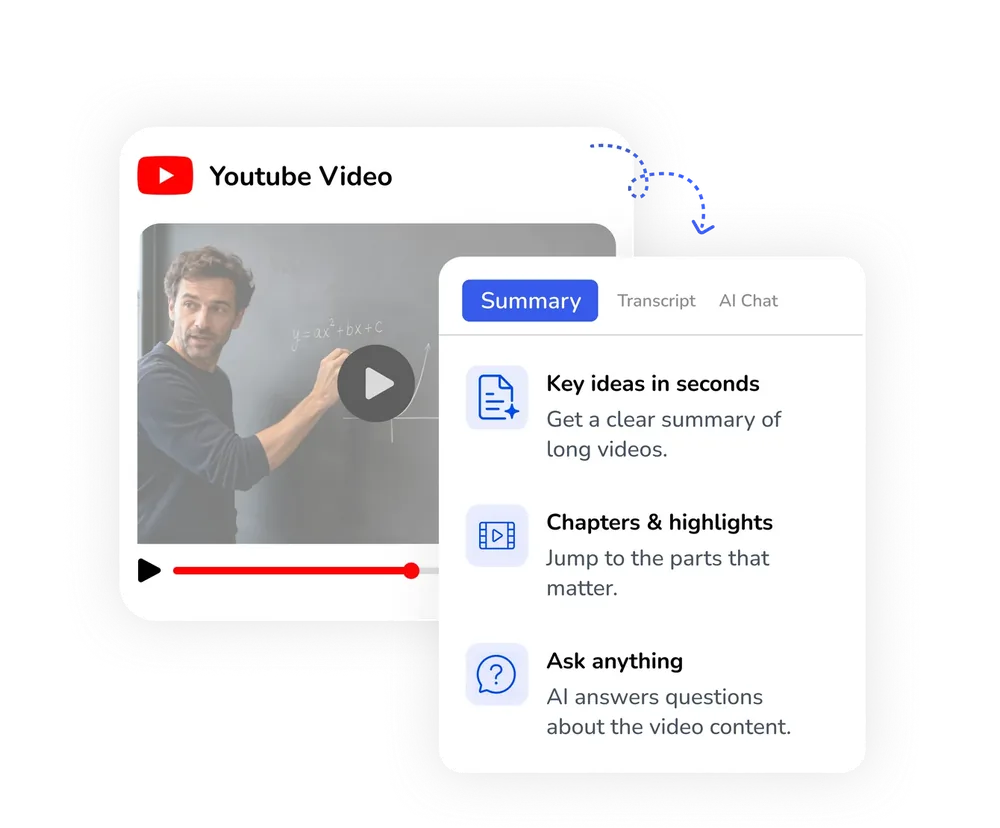
Paste a link,
get timestamped notes
Paste a link and the AI YouTube transcript generator hands back clickable chapters - no scrubbing a 2-hour video.
- Convert a YouTube video to notes in one paste
- Clickable chapters, a timestamp on every line
- An executive recap in seconds
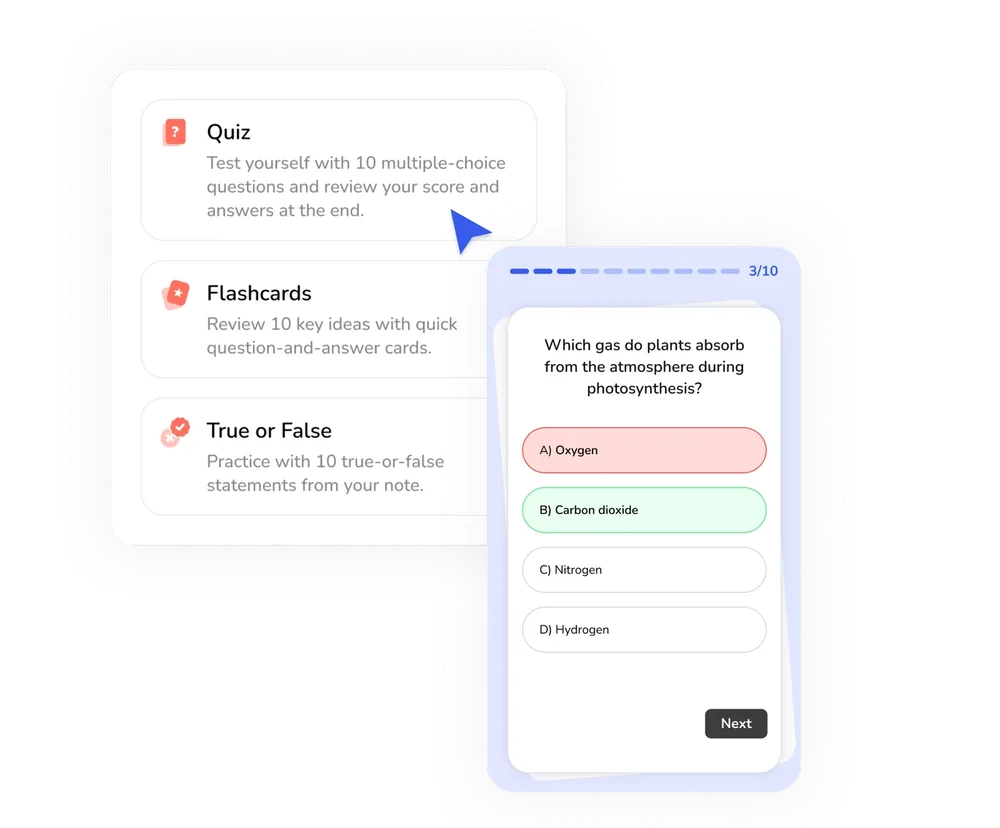
Turn a lecture into
a study guide
Summarize a YouTube video online, then get Anki-style flashcards and a quiz from what it covered.
- Flashcards straight from the transcript
- Practice questions from the video's own material
- Ask the AI anything the video mentioned
How to Summarize a
YouTube Video Online
NoteBase turns a YouTube video into a structured note in three steps, entirely in the browser.
Paste the YouTube link
Copy the link of any public YouTube video, Short or playlist entry and paste it into the field above. NoteBase checks the link and the video's length before anything is created.
Choose the output language and a template
Select the language the note should be written in - more than 100 are supported - and, optionally, a summary template such as action items or a checklist. Auto keeps the video's own language.
Review your timestamped notes
NoteBase produces a transcript with clickable timestamps, a chaptered summary and, on request, flashcards. Every note can be edited, discussed with AI Chat, or sent to Notion.
Frequently Asked Questions
What's the best AI tool to turn a YouTube lecture into a study guide?
NoteBase converts a YouTube lecture into a timestamped transcript, a chaptered summary and a set of flashcards generated from the lecture itself. Because every section carries its timestamp, you can return to the exact moment in the video while revising.
Where can I get timestamped notes from a YouTube link?
NoteBase is a YouTube video summarizer that converts any YouTube video to notes directly in the browser. Paste the link, choose the output language, and the transcript and summary are ready within seconds; no installation is required.
Which YouTube links are supported?
Standard youtube.com and youtu.be links, YouTube Shorts and individual videos from a playlist are all supported. The video must be public or unlisted; private videos cannot be accessed.
Does the summary work when the video has no subtitles?
Yes. When a video provides subtitles, NoteBase uses them; when it does not, the audio is transcribed directly, so the result is the same in both cases.
Can I get the notes in a different language from the video?
Yes. Select the output language before summarizing and the title and summary are written in that language, while the transcript remains in the language of the video. More than 100 languages are available.
How many videos can I summarize on the free plan?
The free plan includes 3 YouTube videos, with no credit card required. NoteBase PRO removes this limit and adds unlimited uploads, longer recordings and Notion export.
Can I ask questions about the video after it is summarized?
Yes. AI Chat reads the full transcript and answers with a reference to the moment in the video where the information was mentioned.
Turn meetings, lectures, and documents into clear notes and insights with NoteBase.
Try for free today.