Escanea cualquier página o PDF y conviértelo en notas fáciles de buscar
Sube un PDF o fotografía una página escrita a mano. El OCR neuronal lo convierte en notas limpias y editables que puedes buscar y estudiar.
Suelta un PDF o una foto de tus páginas escritas a mano
Más herramientas
 Enviar a Notion
 Traducir
 Flashcards y cuestionarios
 Chat con IA
 Plantillas de IA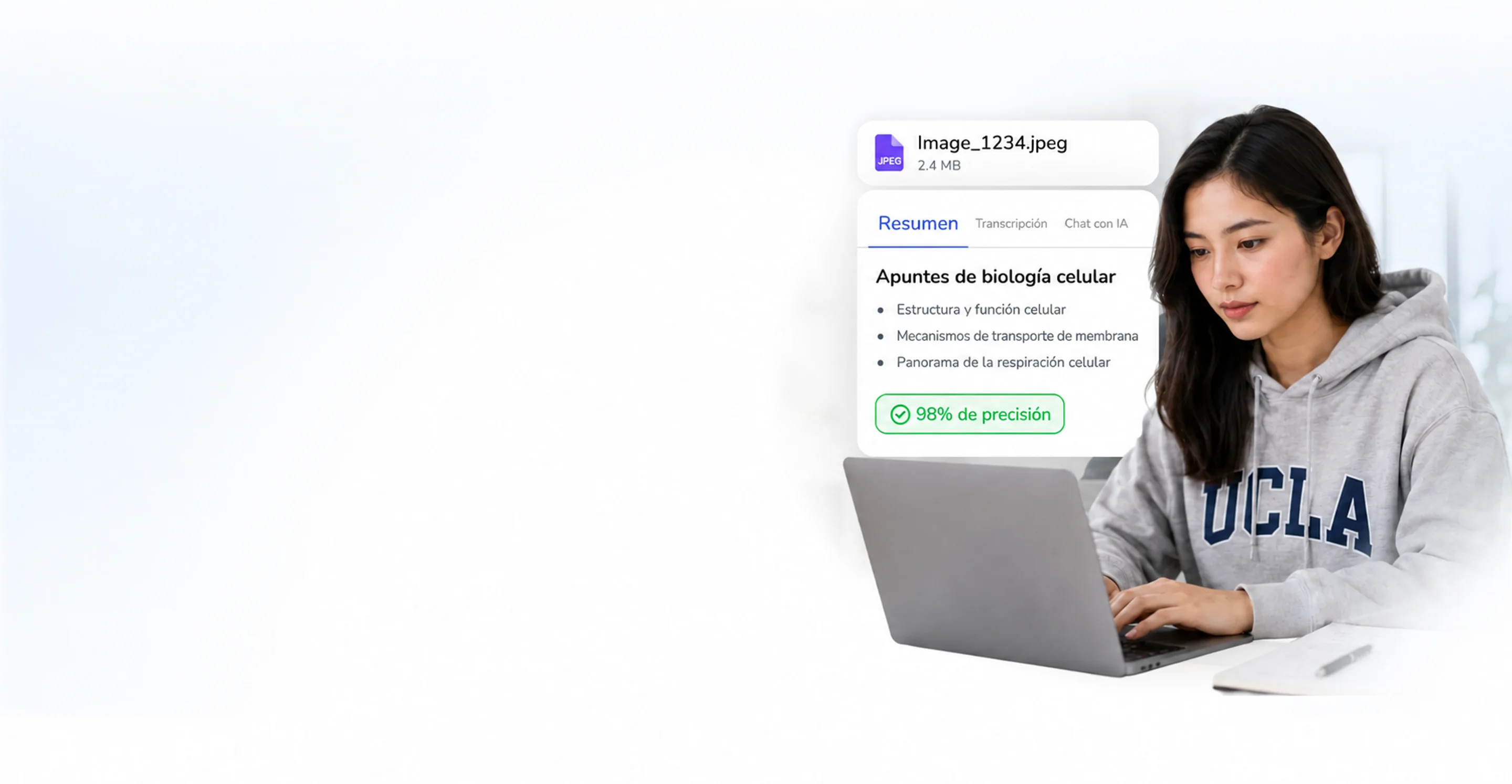
Fotografíalo,
léelo como texto
Libros de texto, archivos DOCX o la foto de una página de cuaderno: el OCR lo lee y te devuelve notas limpias que puedes editar, buscar y resumir.

- 100K+Personas que usan NoteBase
- 70%Menos tiempo tomando notas
- 2M+Notas creadas con IA
- 500K+Páginas convertidas en notas


Escanea notas a mano,
obtén texto editable
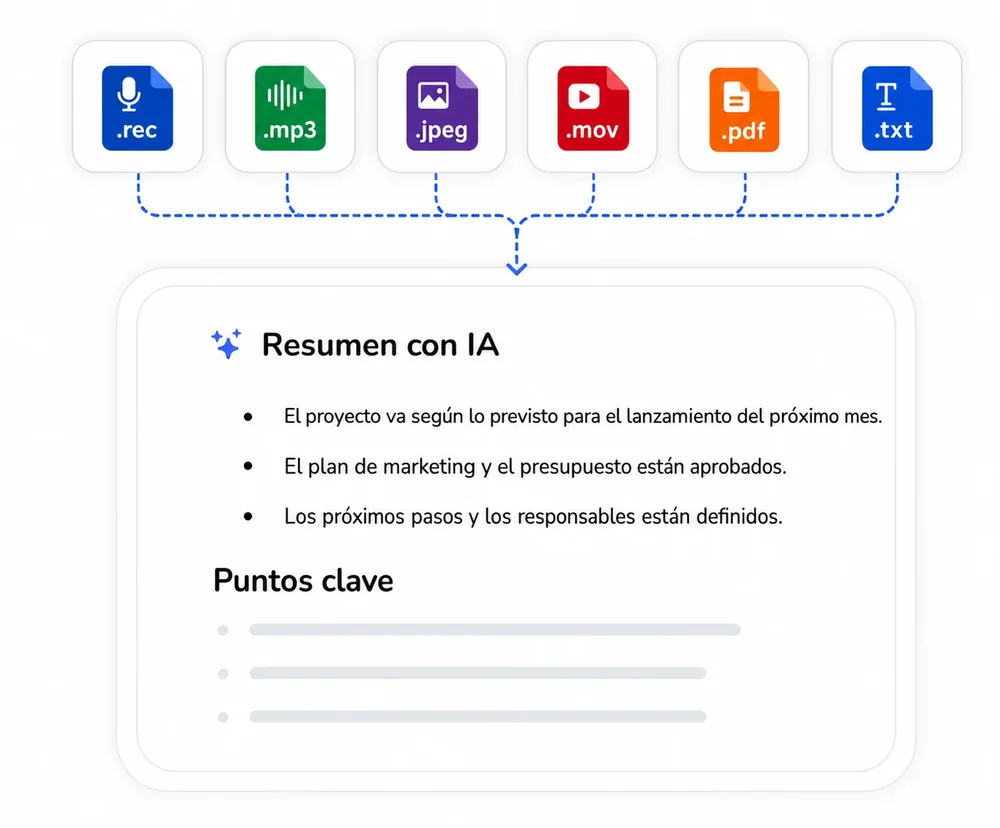
Fotografía una página de cuaderno o una pizarra; el OCR neuronal convierte la imagen en texto online: Markdown limpio y editable.
- Extrae texto de una imagen: PNG, JPG, HEIC
- La escritura a mano se convierte en notas editables
- Los encabezados y las listas sobreviven al escaneo
Resume cualquier PDF,
quédate con la guía de estudio
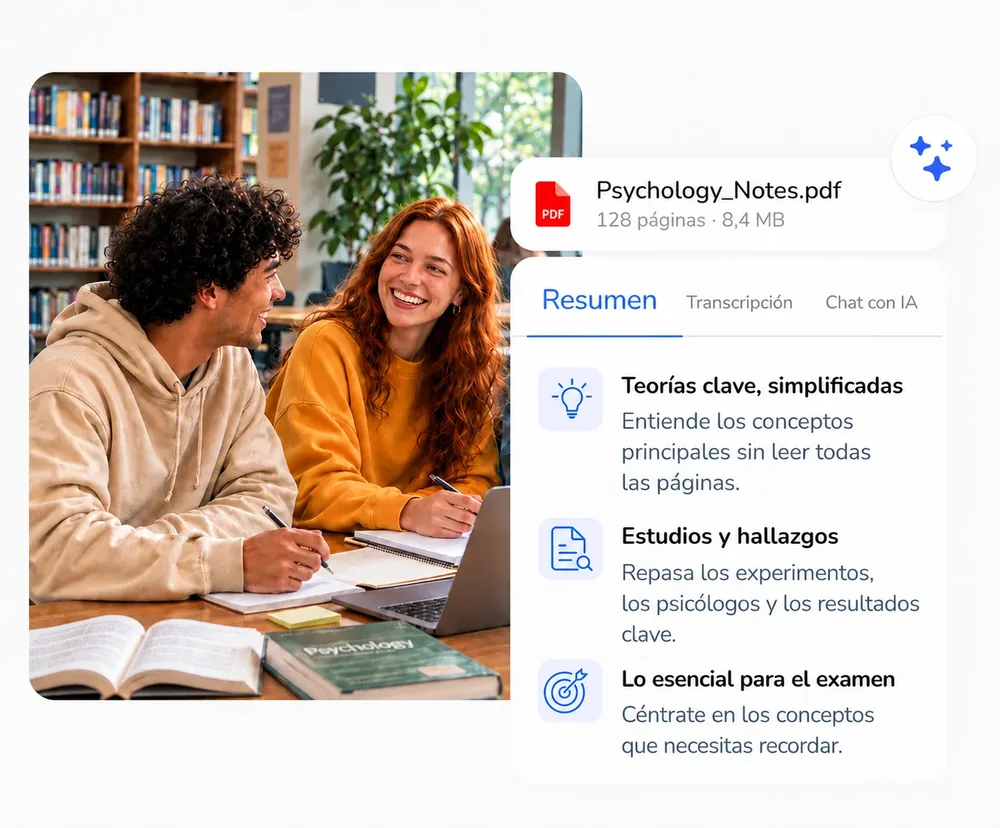
El resumidor de PDF con IA extrae las ideas clave de libros de texto, PDF y archivos DOCX en notas para repasar.
- Convierte PDF en notas con IA, capítulo a capítulo
- Definiciones y conclusiones extraídas
- Conviértelo en flashcards y cuestionarios
Cómo convertir un
PDF o una imagen en notas
NoteBase lee documentos y páginas fotografiadas con OCR de IA y devuelve notas editables en tres pasos.
Sube el documento o la fotografía
Sube un archivo PDF, DOC o DOCX, o una fotografía de una página, un cuaderno o una pizarra en formato PNG, JPG o HEIC. Los PDF de varias páginas se leen completos.
Selecciona el idioma de salida
Elige el idioma en el que se escribirán las notas; hay más de 100 idiomas disponibles. Automático conserva el idioma del documento.
Edita, repasa y exporta
El resultado es una nota limpia y editable con los encabezados y las listas conservados. Se puede buscar, convertir en flashcards y preguntas de práctica, o enviar a Notion.
Preguntas frecuentes
¿Cómo puedo convertir fotos de páginas de cuaderno escritas a mano en texto editable?
Fotografía la página y súbela a NoteBase. El OCR con IA reconoce la escritura a mano, el contenido de pizarras y los documentos escaneados, y devuelve texto editable y fácil de buscar en segundos, con los encabezados y las listas conservados.
¿Cuál es la mejor IA para resumir un PDF de un libro de texto y crear guías de estudio?
El resumidor de PDF con IA de NoteBase extrae los conceptos clave de un capítulo en notas estructuradas y después genera guías de estudio, flashcards y preguntas de práctica con el mismo material, para repasar el capítulo sin volver a leerlo.
¿Qué tan preciso es el OCR con notas escritas a mano?
El OCR está diseñado para páginas reales: escritura a mano, fotos de pizarras y páginas tomadas en ángulo. La precisión depende de la legibilidad, así que recomendamos revisar una vez los números, los nombres y las fórmulas antes de fiarte de ellos.
¿Se conservan las tablas, los encabezados y las fórmulas?
Sí. Los encabezados y las listas se convierten en la estructura de la nota, las tablas se mantienen como tablas y las fórmulas se devuelven como texto editable.
¿Puedo combinar varias páginas en una sola nota?
Sí. Un PDF de varias páginas se procesa como una sola nota, y una secuencia de fotografías se puede subir junta para formar un único documento.
¿Qué formatos de archivo y límites se aplican?
Se admiten documentos PDF, DOC y DOCX e imágenes PNG, JPG y HEIC. El plan gratuito incluye 5 subidas de hasta 100 MB en total, guardadas durante 30 días; NoteBase PRO ofrece subidas ilimitadas y 10 GB de almacenamiento que se conserva.
¿Mis documentos subidos son privados?
Sí. Tus archivos y notas te pertenecen solo a ti, nunca se usan para entrenar modelos públicos y se pueden eliminar de tu cuenta en cualquier momento.
Convierte reuniones, clases y documentos en notas claras e ideas útiles con NoteBase.
Pruébalo gratis hoy.