Skip the minutes, get owner-assigned action items
Upload the call recording - no bot in the meeting. NoteBase writes the summary, the key decisions and a to-do list with an owner on every task.
Record the call - no bot joins your meeting
More Tools
 Send to Notion
 Translate
 Flashcards & Quiz
 AI Chat
One hour of calls,
one page of decisions
Team calls, interviews and client meetings: an executive summary, the decisions, and action items with an owner and a deadline - no bot in the room.

- 100K+People Using NoteBase
- 70%Less Time Spent Taking Notes
- 2M+Notes Created with AI
- 500K+Meeting Hours Summarized


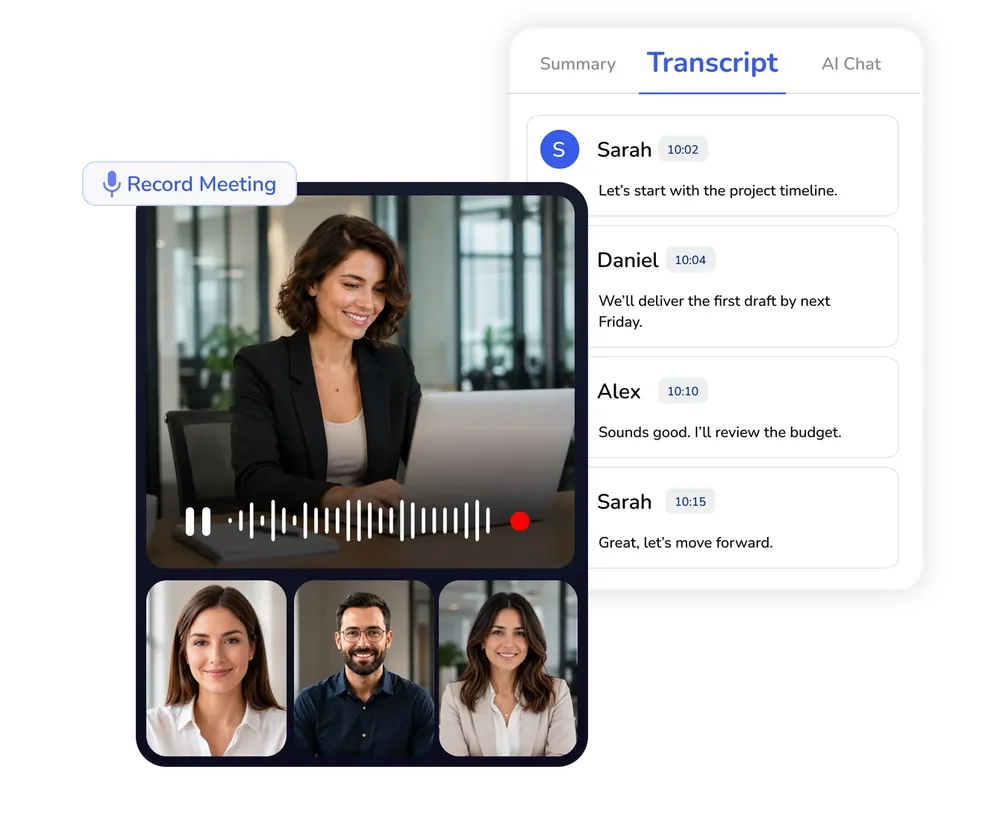
Upload the call,
skip the meeting bot
Nothing joins your call. Upload the audio afterwards and the meeting notes generator writes the minutes.
- Structured recaps from any audio file
- No bot in the invite
- A searchable transcript with timestamps
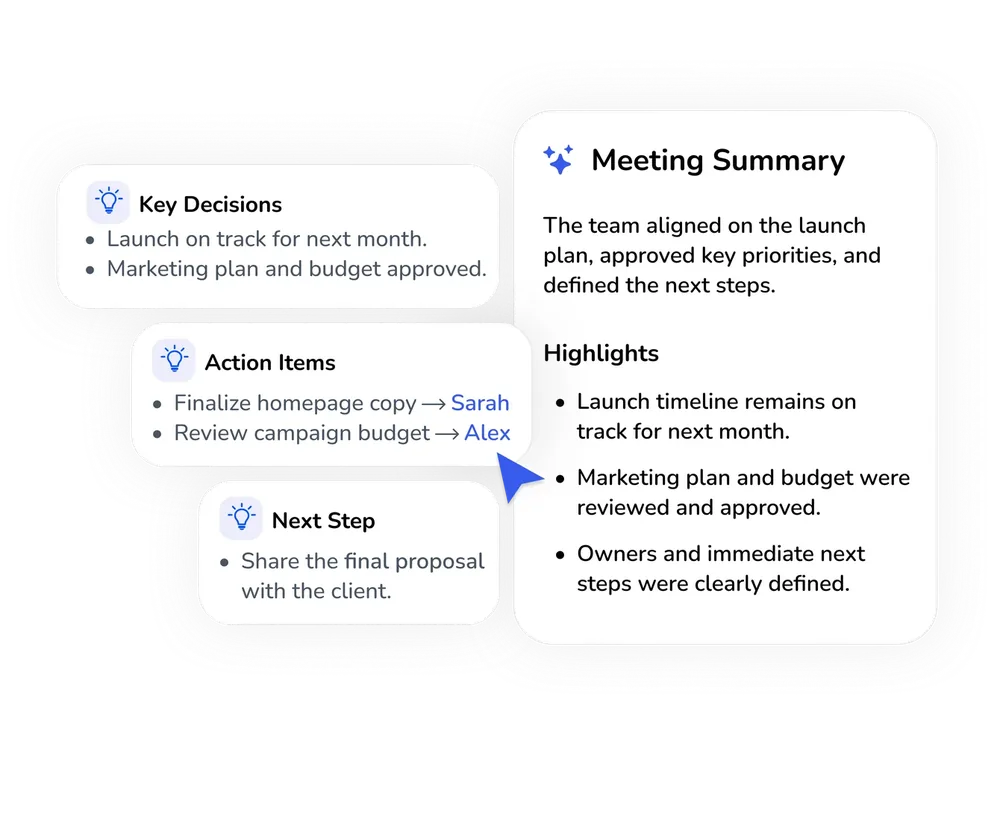
Owner-assigned
action items
Generate meeting minutes with AI: key decisions on top, then automated meeting action items with an owner and a deadline.
- An executive summary of an hour-long call
- Every task tagged with owner and due date
- Priority tasks ready to share
How to Generate
Meeting Minutes with AI
NoteBase produces minutes, decisions and action items from a recording in three steps, without a bot joining the call.
Record or upload the call
Record the meeting in the browser while it takes place, or, on NoteBase PRO, upload the recording your conferencing tool has already saved.
Select the language of the recap
Choose the language the minutes should be written in. A meeting held in one language can be reported in another.
Share the decisions
The note contains an executive summary, the decisions taken and a list of action items with owners and deadlines. It can be copied, exported or sent to Notion.
Frequently Asked Questions
How do I generate structured meeting recaps and action points from an audio file?
Upload the recording to NoteBase, or record the meeting directly in the browser. Within minutes you receive an executive summary, the decisions taken and a list of action items with their owners and deadlines.
What's the best AI tool for summarizing business calls without live bots?
NoteBase summarizes calls from a recording rather than by joining the meeting. Nothing appears in the invitation or on the participants' screens; the audio is processed afterwards and returned as minutes and action items.
Does a bot join my meeting?
No. NoteBase never joins a call. You record the meeting yourself or upload the recording afterwards, and nothing is visible to the other participants.
Can I upload a Zoom, Google Meet or Microsoft Teams recording?
Yes. Recordings in MP3, WAV or M4A format, as well as the audio track of common video files, are supported. Uploading files is available on NoteBase PRO.
How are action items assigned to people?
NoteBase identifies who committed to which task during the call and records the deadline mentioned. Tasks without a named owner are listed separately so that they are not overlooked.
Is it suitable for interviews and sales calls?
Yes. An interview is summarized as questions, answers and impressions; a sales call as objections, commitments and next steps. The template can be changed for each note.
Who can see the meeting recap?
Only you. A recap is shared only when you export it, send it to Notion or share a link yourself.
Turn meetings, lectures, and documents into clear notes and insights with NoteBase.
Try for free today.