Send AI notes to Notion, formatting intact
Connect Notion in 1-click. Transcripts, summaries, flashcards and tasks land in your workspace with headings and timestamps intact.
Drop a PDF, or a photo of your handwritten pages
More Tools
 Translate
 Flashcards & Quiz
 AI Chat
 AI Templates
Every note you take,
filed in Notion
Connect once and every note lands in the page or database you chose - headings, lists and timestamps intact.

- 100K+People Using NoteBase
- 70%Less Time Spent Taking Notes
- 2M+Notes Created with AI
- 500K+Notes Synced to Notion


Export to Notion,
formatting intact
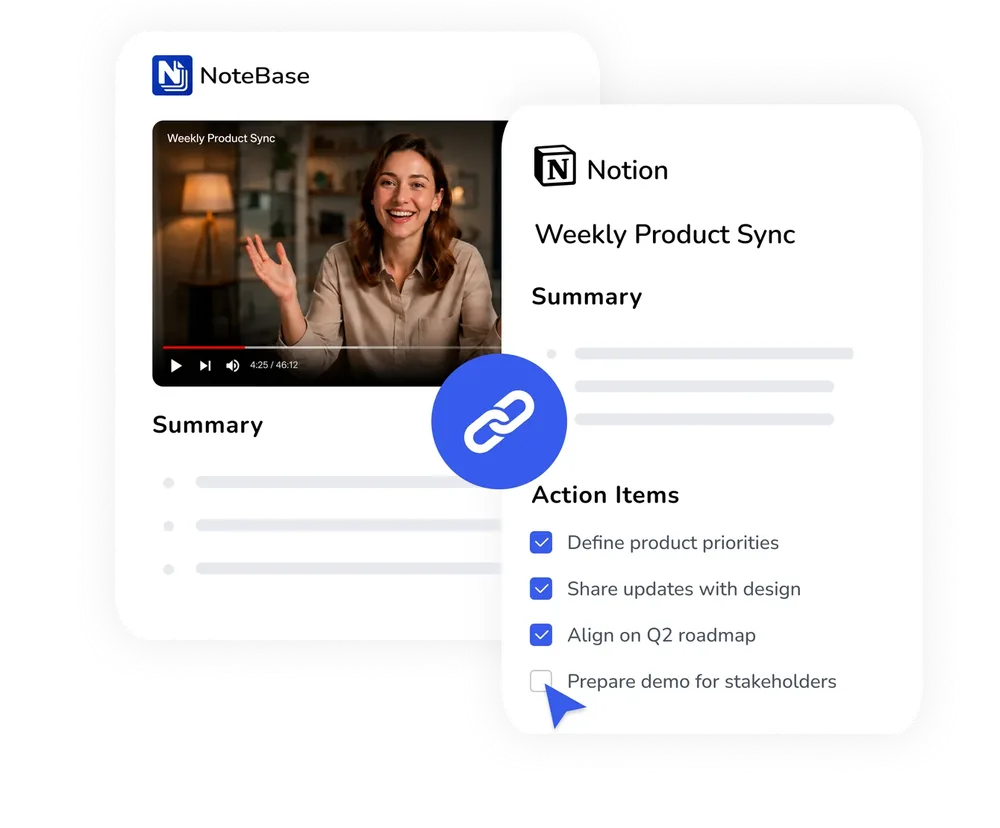
The AI notes Notion integration pushes real H1/H2 headings, bullet lists and timestamps into your workspace - not a wall of pasted text.
- One click from a note to your Notion page
- Headings and lists preserved exactly
- Timestamps stay clickable in Notion
Sync audio summaries
to Notion online
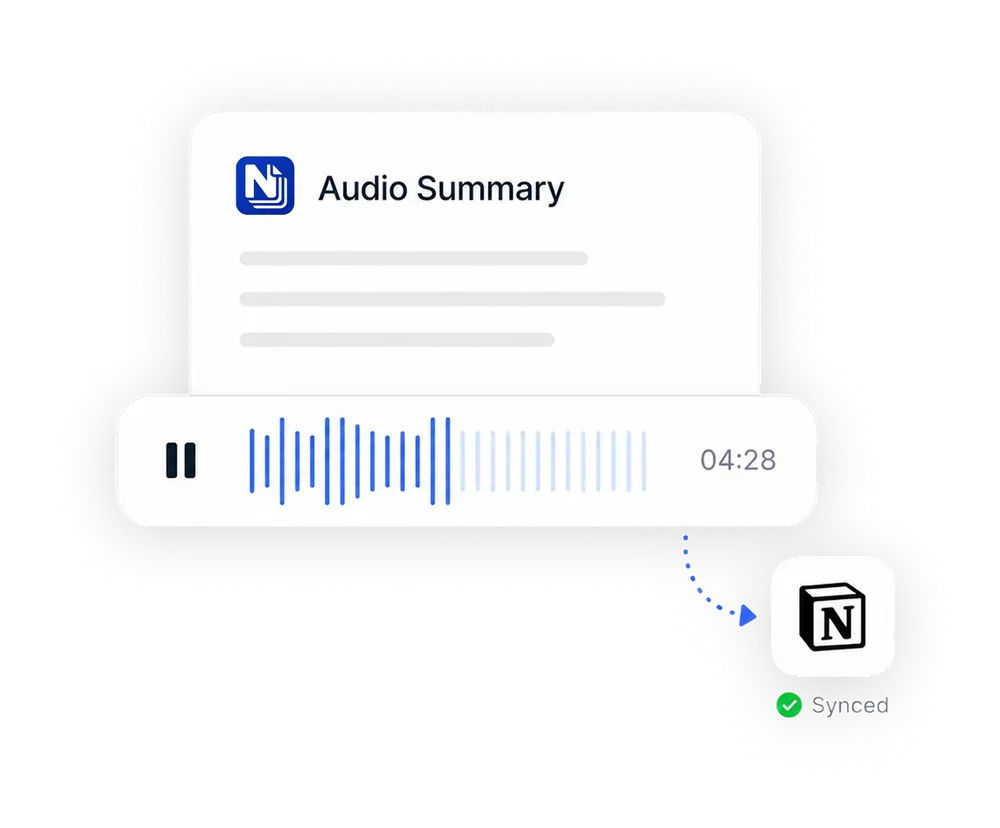
Connect once and every recording, recap and flashcard deck lands in the database you picked - the Notion note taker AI does the filing.
- Choose the page or database each note lands in
- Summaries and action items sync with the transcript
- Export PDF or TXT when Notion is not the target
How to Export
AI Notes to Notion
NoteBase sends notes to Notion with their formatting preserved, in three steps and a single connection.
Create a note
Upload a document, paste a YouTube link or record a meeting. Every type of note can be sent to Notion.
Connect your Notion workspace
Authorise NoteBase once and choose the page or database in which notes should be placed. The destination can be changed at any time.
Send the note
Select Send to Notion. Headings, bullet lists, tables and clickable timestamps arrive as native Notion blocks.
Frequently Asked Questions
How do I automatically export my AI-generated video and audio summaries directly to Notion with formatting?
Connect your Notion workspace once. Every note then offers a Send to Notion action, and the headings, bullet lists and timestamps of the summary are recreated as Notion blocks rather than pasted as plain text.
What's the best Notion integration tool for meeting notes and transcribing?
NoteBase transcribes the meeting, extracts the decisions and action items, and sends the resulting note to Notion with a single click, so the minutes appear in your workspace without any copying.
Is Notion export available on the free plan?
Creating notes is free. Sending notes to Notion, along with PDF and TXT export, is included in NoteBase PRO.
Is the formatting preserved in Notion?
Yes. Headings, bullet lists, tables and clickable timestamps are converted into the corresponding Notion blocks. Images are included at a size suited to a Notion page.
Which notes can be sent to Notion?
Every type of note: video summaries, meeting recaps, transcribed recordings, scanned documents and flashcard decks.
Can I choose where the notes are placed in Notion?
Yes. During the connection you select a page or database as the destination, and it can be changed later from the settings.
If I edit a note after sending it, is Notion updated?
No. Sending creates a copy of the note as it is at that moment. Send the note again to publish the updated version.
Turn meetings, lectures, and documents into clear notes and insights with NoteBase.
Try for free today.