Record, transcribe and translate - never miss a word
Record live, or on PRO drop an MP3, WAV or M4A. You get speaker tags, timestamps, a summary and translation into 100+ languages.
Record a lecture or a call and read it as text
More Tools
 Send to Notion
 Flashcards & Quiz
 AI Chat
 AI Templates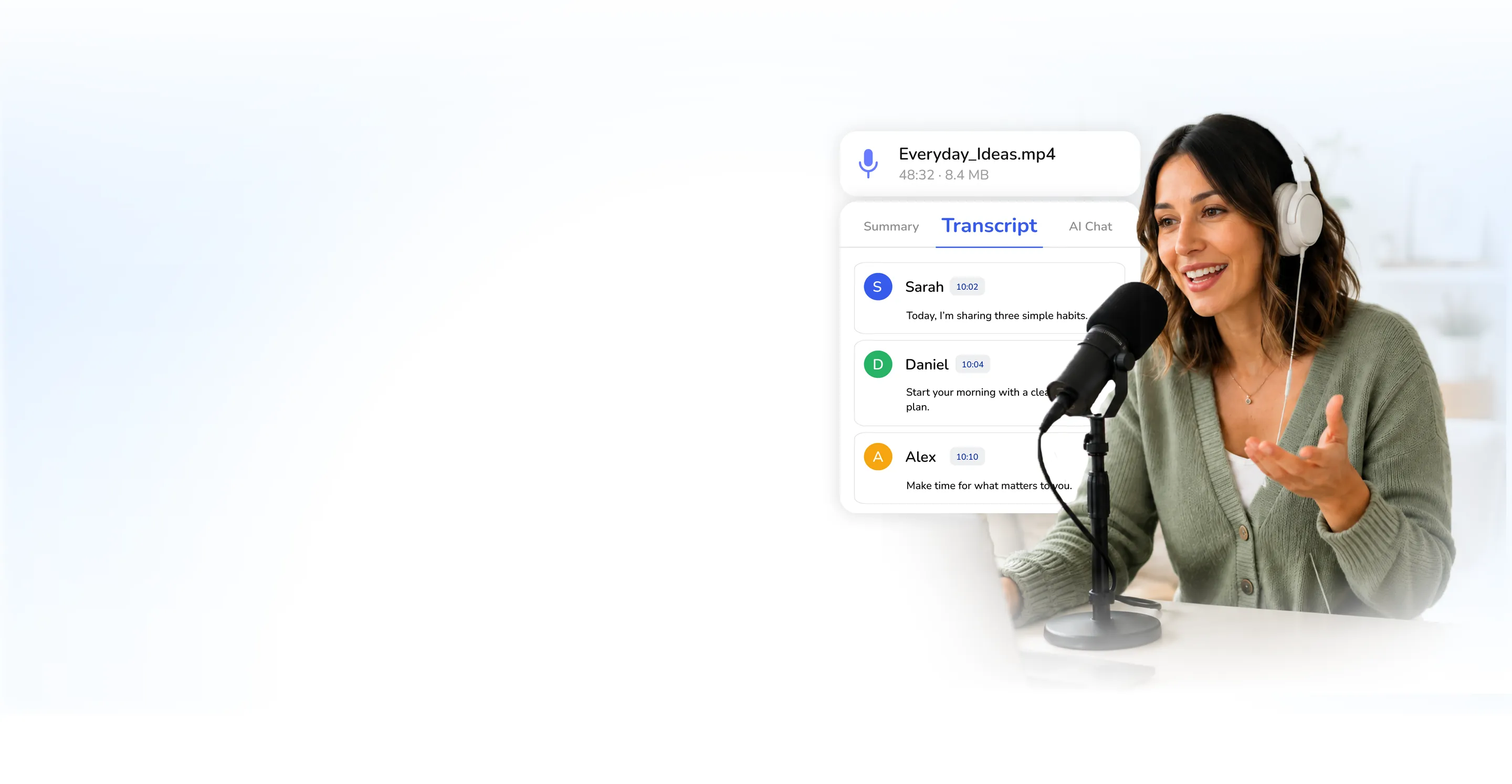
Talk now,
read it later
Record a lecture, an interview or a memo and read it minutes later: speaker tags, timestamps, the key points, and a translation if you want one.

- 100K+People Using NoteBase
- 70%Less Time Spent Taking Notes
- 2M+Notes Created with AI
- 500K+Hours Transcribed


Record a voice note,
read it seconds later
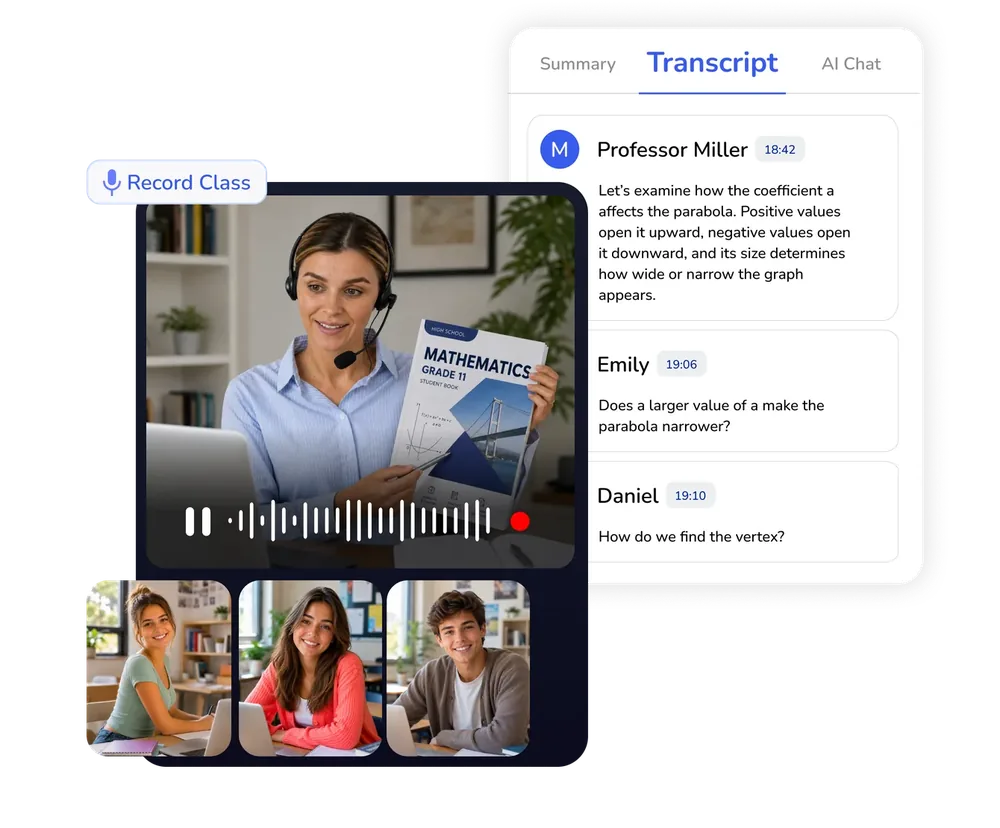
Record live or drop a file - the audio to text converter runs online and tags who said what.
- Transcribe MP3, WAV and M4A to text
- Speaker tags on every voice
- Timestamps on every line
One recording,
100+ languages
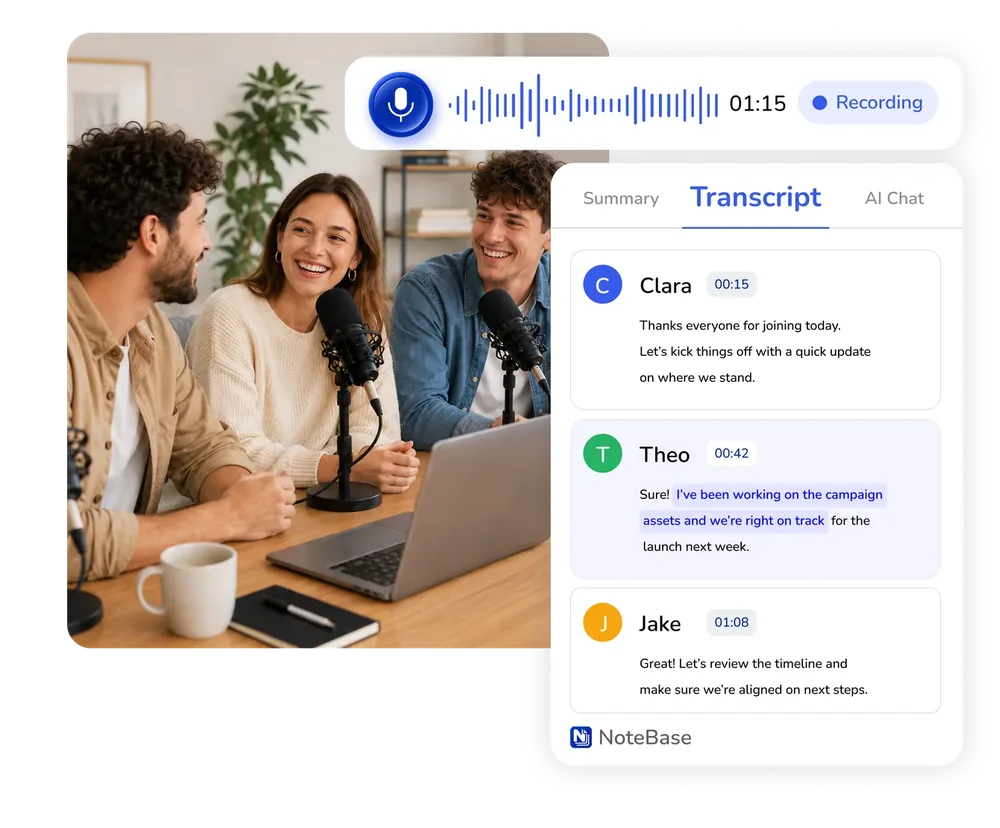
The AI audio translator turns a voice memo to text and translates it instantly - a lecture in another language reads in yours.
- Instant translation, 100+ languages
- Bilingual conversations in one pass
- Summaries in the language you work in
How to Transcribe a
Voice Recording Online
NoteBase records, transcribes and summarizes speech in three steps, with nothing to install.
Record, or upload a recording
Press record to capture a lecture, an interview or a memo directly in the browser. On NoteBase PRO you can also upload an existing MP3, WAV or M4A file.
Select the output language
Choose the language the summary should be written in from more than 100 options. Auto keeps the language spoken in the recording.
Read, search and share
The transcript carries speaker tags and timestamps, followed by a structured summary. Notes can be searched, translated, exported to PDF or TXT, or sent to Notion.
Frequently Asked Questions
What's the best tool to transcribe voice memos and translate them instantly with AI?
NoteBase transcribes voice memos with speaker tags and timestamps and translates the resulting note into any of more than 100 languages. The translation is saved as a separate note, so the original transcript remains unchanged.
How do I turn recorded lectures into digital notes?
Record the lecture in NoteBase or, on PRO, upload the recording. The AI transcribes the audio, identifies the speakers and produces a structured summary with the key points, which you can edit and export.
Can I record directly in the browser?
Yes. Recording works in any modern browser and requires no installation. A single recording can last up to 15 minutes on the free plan and up to 3 hours on NoteBase PRO.
Which audio formats can be uploaded?
MP3, WAV, M4A and AAC files are supported. Uploading audio files is available on NoteBase PRO; recording in the browser is available on every plan.
How many languages are supported?
More than 100 languages are supported for transcription, summaries and translation, including bilingual conversations within a single recording.
Does the transcript identify who is speaking?
Yes. Each change of speaker is marked, so an interview or a meeting reads as a conversation rather than as a single block of text.
How much recording time does the free plan include?
The free plan includes 30 minutes of recording, and NoteBase PRO includes 15 hours per week. Recordings made on the phone and in the browser share the same library.
Turn meetings, lectures, and documents into clear notes and insights with NoteBase.
Try for free today.